Notationfor Mac

Write scores from the keyboard.

⬇️ Download Notation.app πŸ”§ See the Phase 0 fixes Release notes public

πŸ”’ Unsigned by Apple: the first open is blocked; System Settings > Privacy & Security > Open Anyway, once. fact
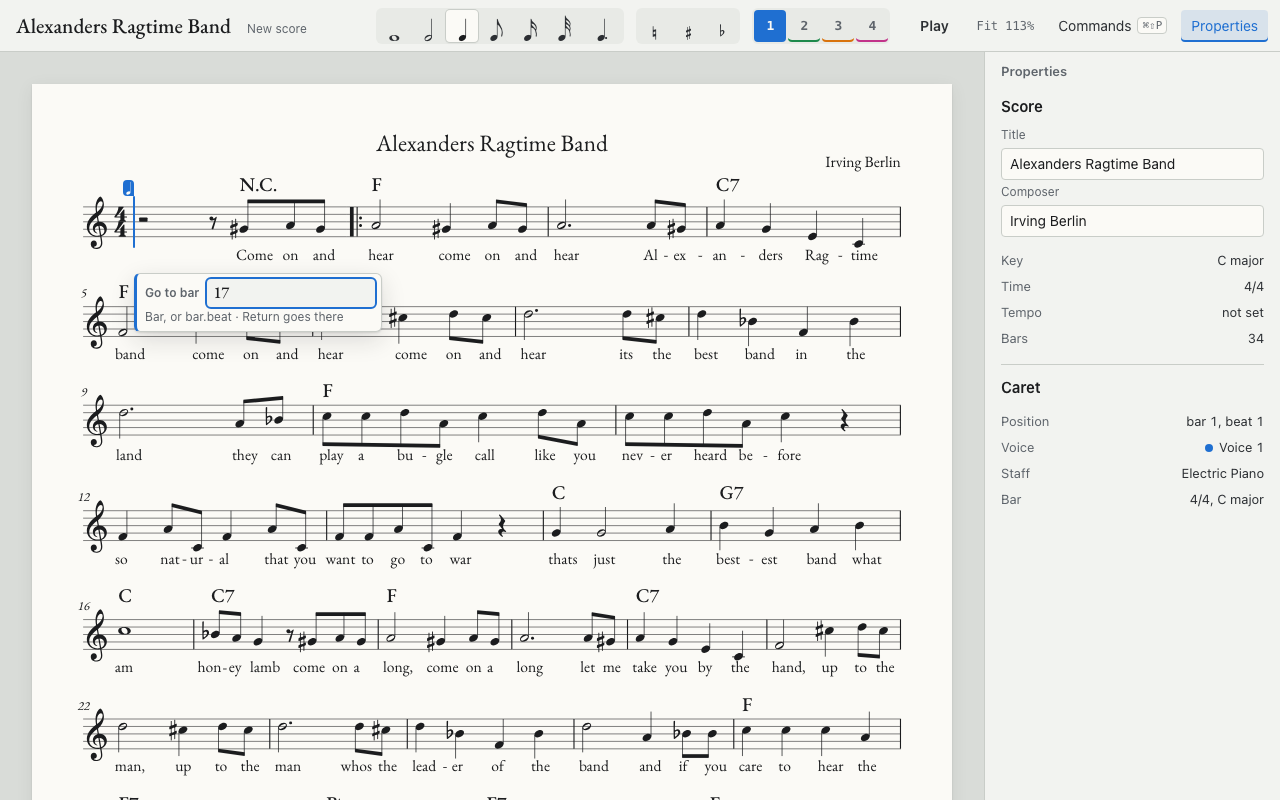
Notation with a score open
Light system: Alexander's Ragtime Band with the Go to bar field open Β· dark system: a new piano score in the graphite theme

🎼 What Phase 0 does

Each line comes from the project's progress log fact

⌨️ Note entry from the keyboard
Sibelius keypad layout: 1 to 6 pick 32nd to whole, 7 8 9 natural, sharp, flat, 0 rest, . dot, Enter tie. A key reaches the screen in 32.5 ms (median, end-to-end test)
🧭 One input path
Every key, toolbar button, command palette row and panel edit runs the same named command, so menus and shortcuts never disagree
🎹 Chord symbols and lyrics
Typed in place under the caret; an unknown chord like "Bob's weird chord" is kept and flagged
🧱 Structure
Time and key signatures, rehearsal marks, repeats, endings, D.S. al Coda, a second voice, triplets
πŸ“ Symbols never collide
A symbol lands on the side of the staff you click, moves clear of notes and lyrics, and lines up with its kind across the system
πŸ“‚ Files
MusicXML in and out, its own .nscore format, autosave, PDF export; MuseScore 4 opens the exports
πŸ–₯️ Desktop app
Notation.app with native File, Edit, View, Play and Window menus; it starts its own notation host and stops it on quit
πŸ€– Claude can write in it
An MCP server named notation edits the open score through the same commands, proven by a headless Claude session writing a counter-line
πŸ”Š Playback
Plays through the GeneralUser GS soundfont, served by the host

πŸ”§ Six defects fixed October 12

Found in the Phase 0 review; screenshots are headless captures of the app at 1280Γ—800 fact

🧭 Go to bar

Before
No go-to command: reaching bar 17 took 16 presses of βŒ˜β†’
After
Type 17 or 17.3, Return jumps there
Key
⌘βŒ₯G Β· Edit > Go to Bar…
Go to bar field open at the caret with 17 typed

🎚️ Final barline and tempo keys

Before
Both went through the command palette: 20 keys for the barline, 25 for the tempo
After
Barline in 1 key; "Medium swing 132" in 19
Keys
⌘βŒ₯B final barline Β· ⌘βŒ₯T tempo field
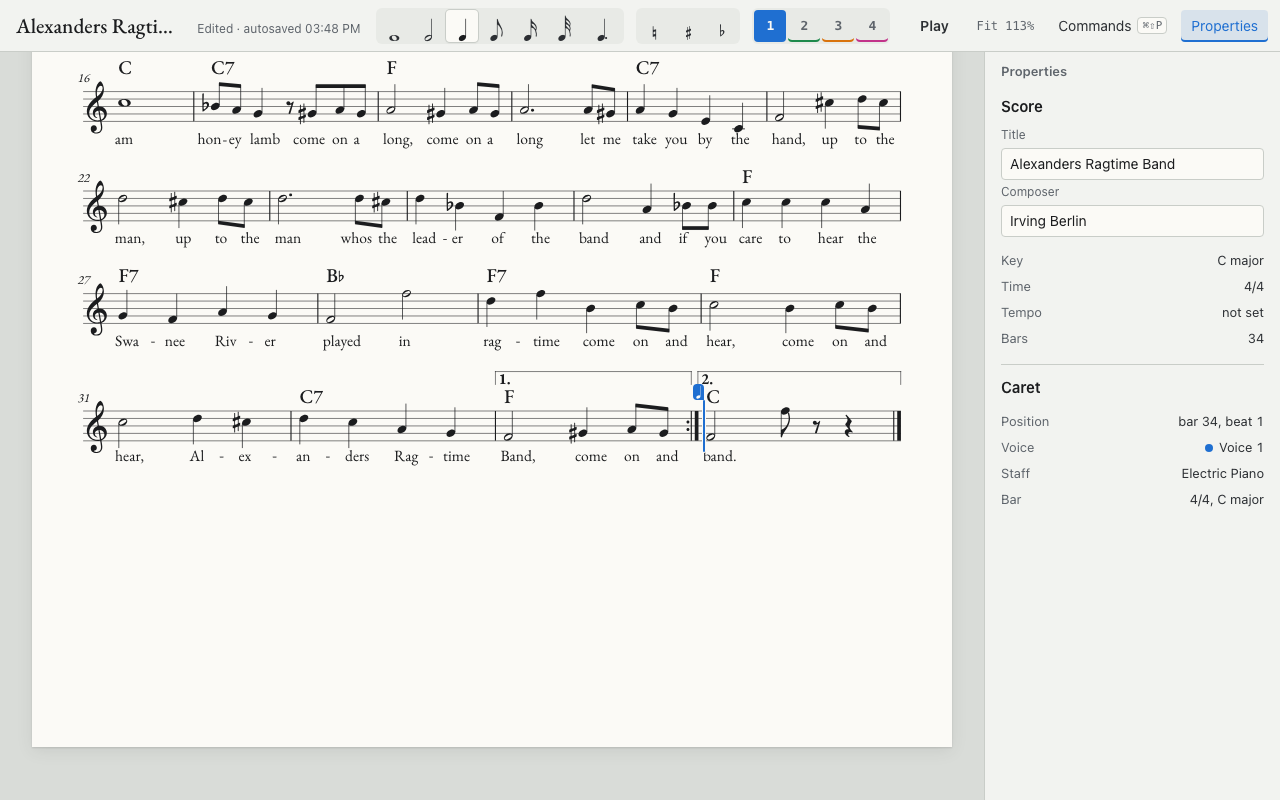
Final double barline after bar 34
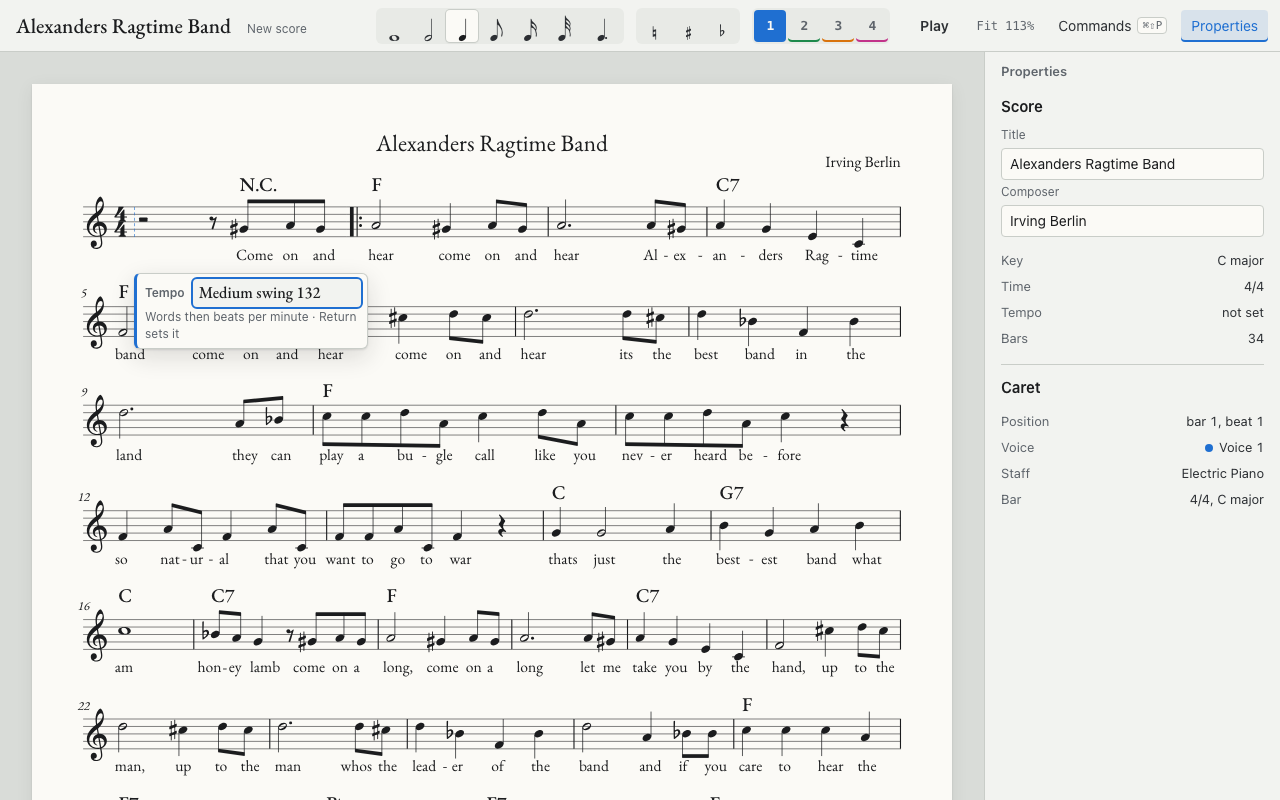
Tempo field at bar 1 reading Medium swing 132

🏷️ Chord field shows bar and beat

Before
The field said only "Chord"
After
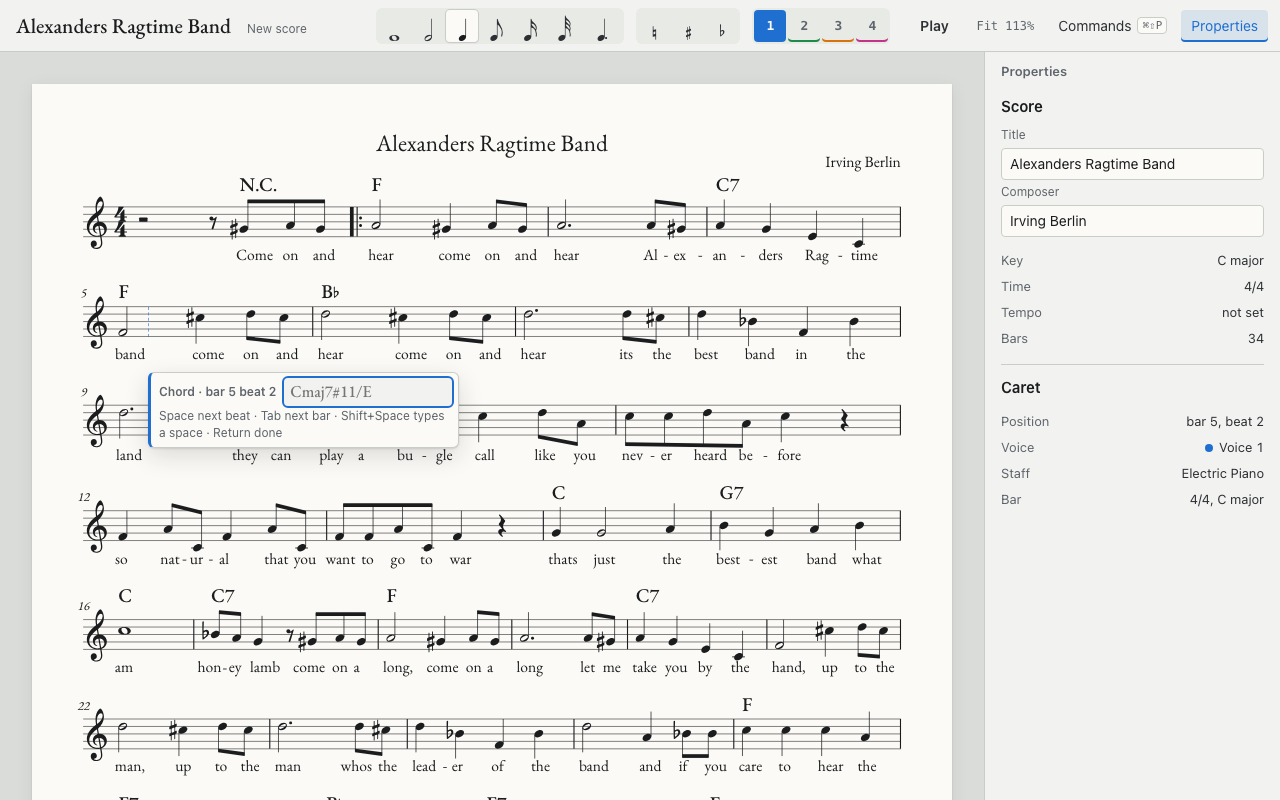
"Chord Β· bar 5 beat 2", updating with Space and Tab; the lyric field does the same
Key
⌘K
Chord field under bar 5 labelled Chord, bar 5 beat 2

πŸ”‘ Key inferred on import

Before
A MusicXML tune in F with no key signature opened in C
After
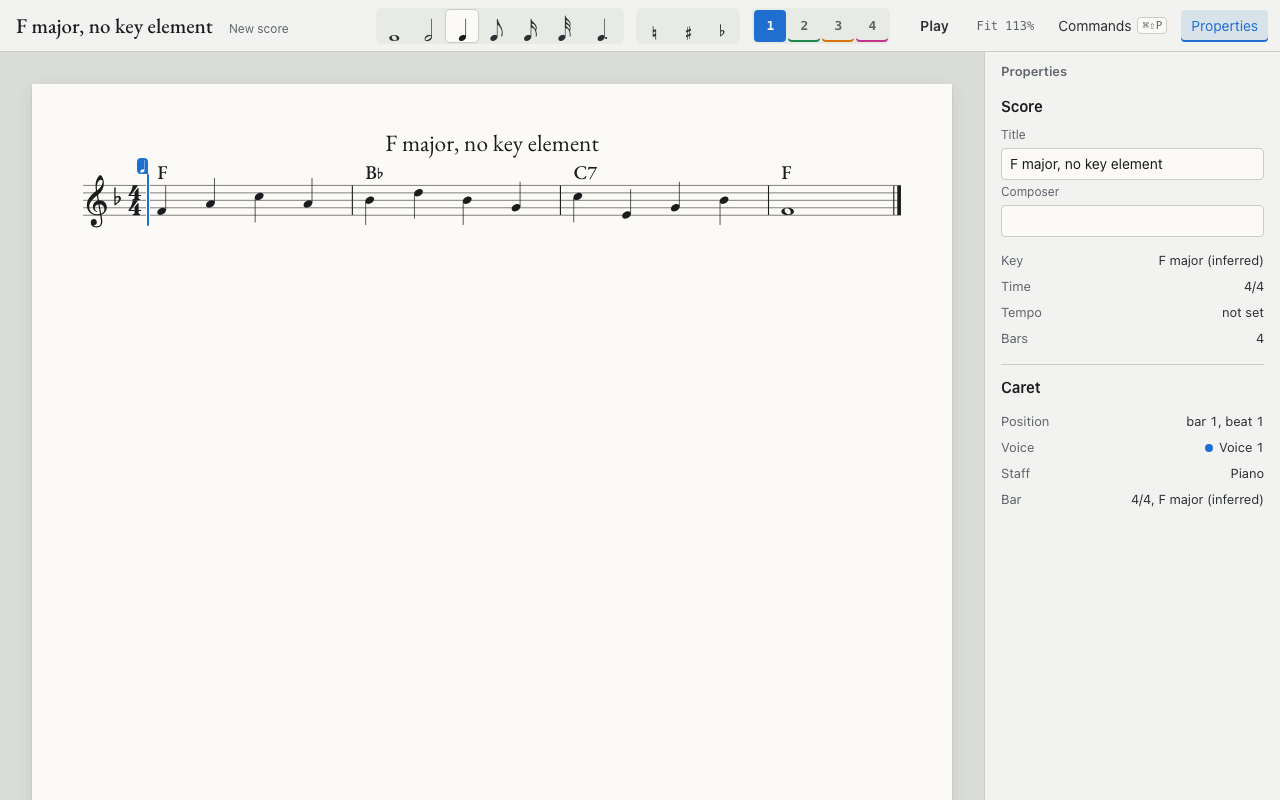
Import reads the chords and notes, sets one flat, and the panel says "F major (inferred)"
Key
None, it runs on import
Four-bar score with one flat; panel reads Key F major (inferred)

πŸ“¦ Soundfont out of the web build

Before
The 8 MB soundfont was copied into the web build
After
The host serves it; the web build is about 1.1 MB with no .sf3 file
Key
None

The editor build under /app/ on this site carries no .sf3 file fact
πŸŒ— Dark theme

Before
Light only
After
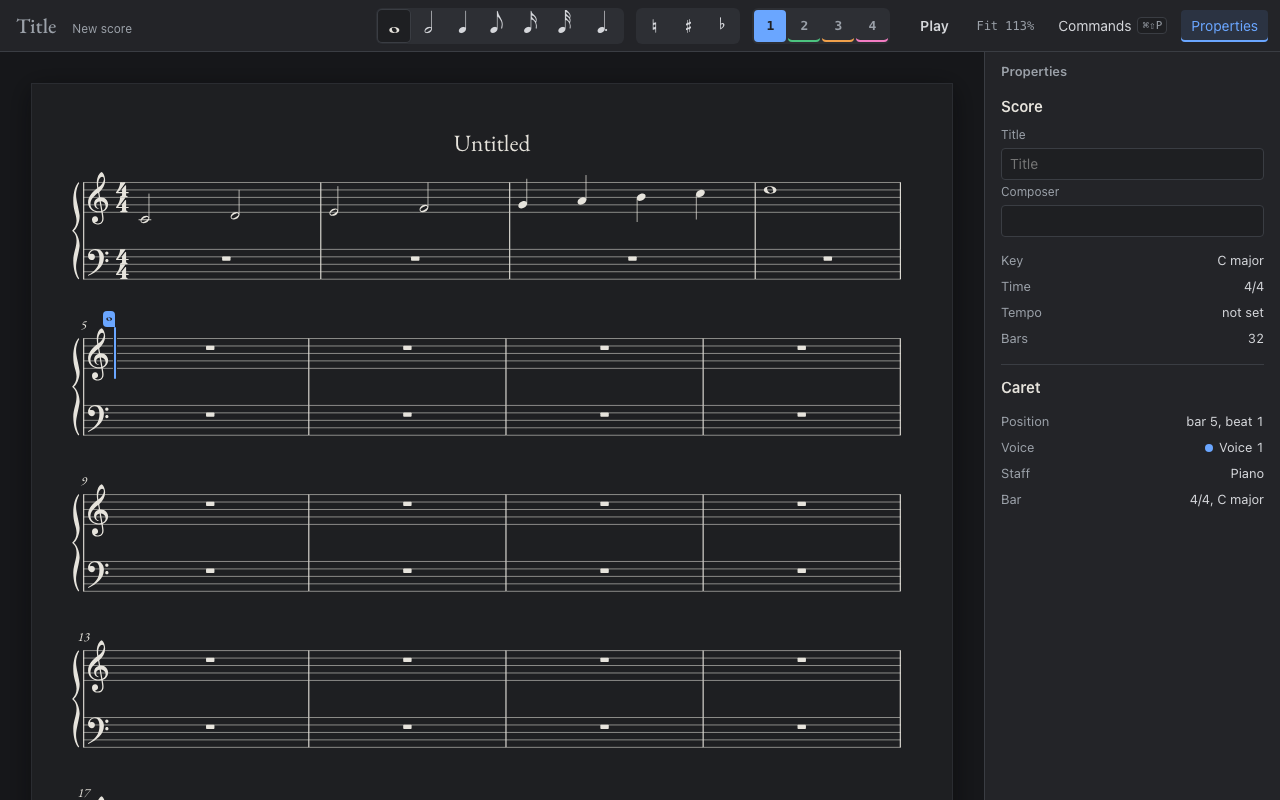
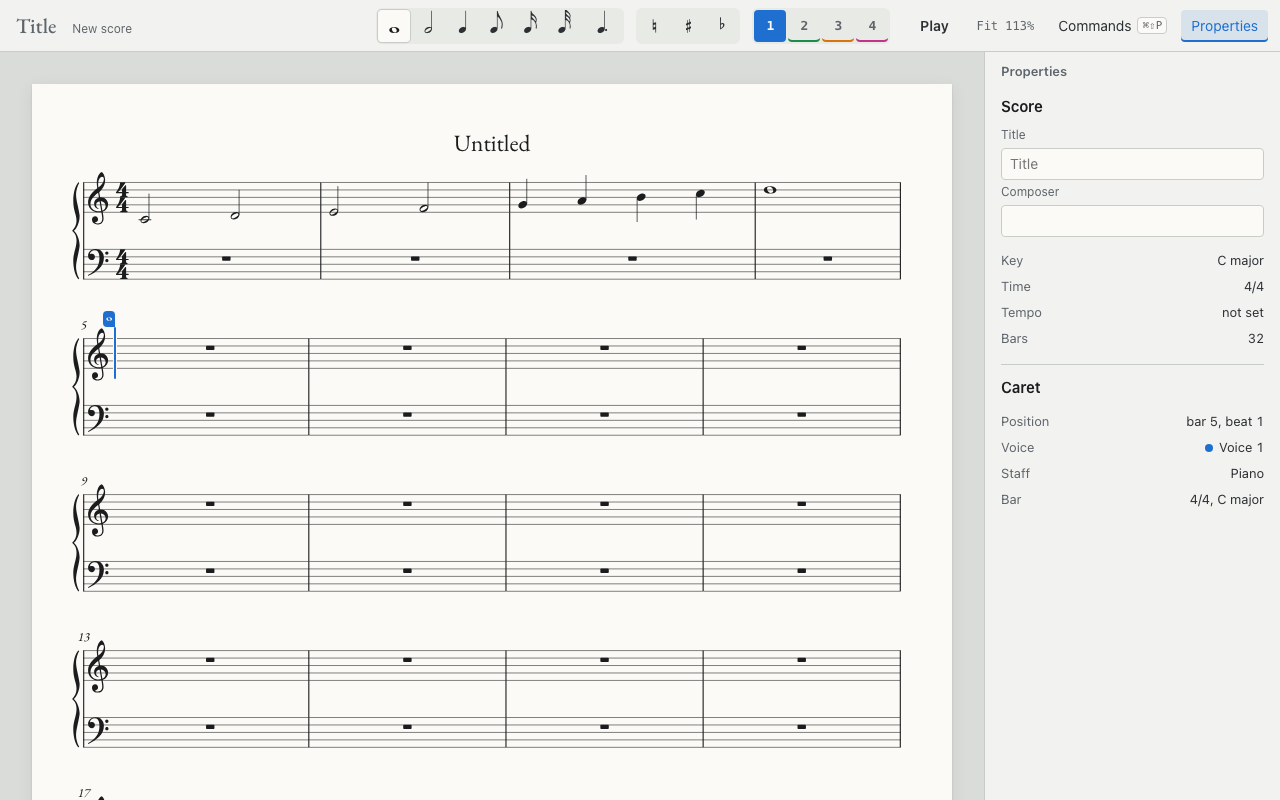
Graphite page with light ink; View > Theme offers System, Light, Dark; exports stay light
Key
βŒ˜β‡§D
Notation in the light theme
Notation in the dark graphite theme

⌨️ Keys to finish the test tune: 129 to 92

Counted from the command keys by the exit test on Alexander's Ragtime Band, typed file paths excluded; not measured in Sibelius fact

StepBeforeAfter
Tempo "Medium swing 132"2519
Rehearsal A at bar 1, B at bar 17208
Final barline201
Whole exit test12992

🚧 Still open after Phase 0

πŸ’» Run the web editor locally

The editor is a client of the notation host on your Mac; without the host it cannot open a score fact

Steps
  1. Clone therecordingclub/trc-notation (private) and install with pnpm install inside app
  2. Start the host, which builds the editor and serves it:
    cd app && pnpm start
  3. Open http://127.0.0.1:7460/ on the same Mac
  4. Or skip all of this: open Notation.app, which starts its own host